Need help in using our WordPress theme?

In our guide, we will show you step by step instructions on how to install our WordPress theme for beginners. Below you will find will cover two ways to install a WordPress theme.
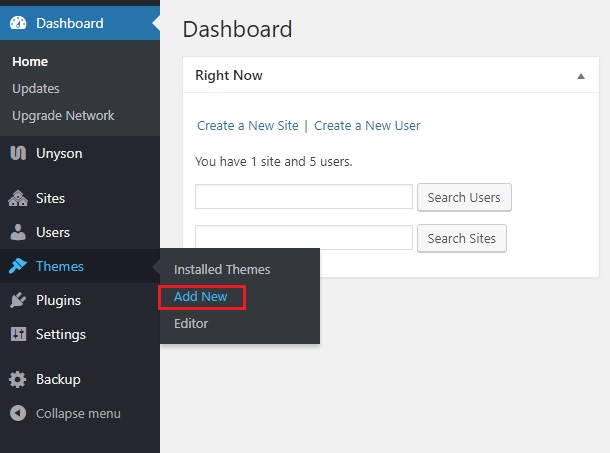
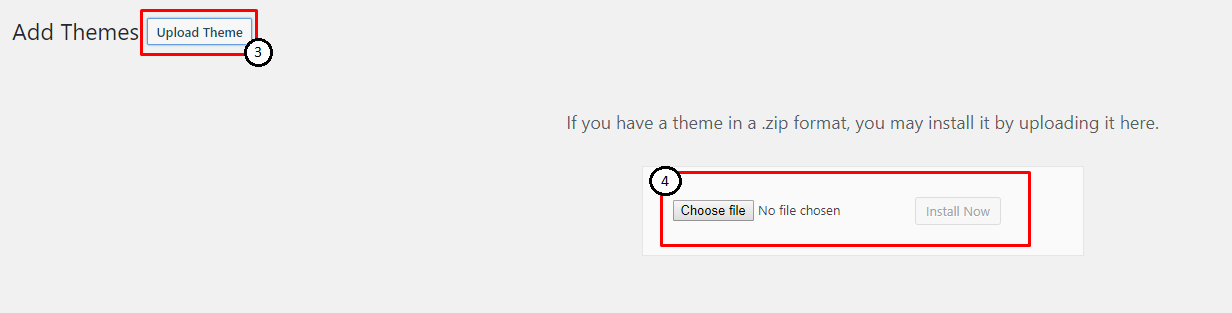
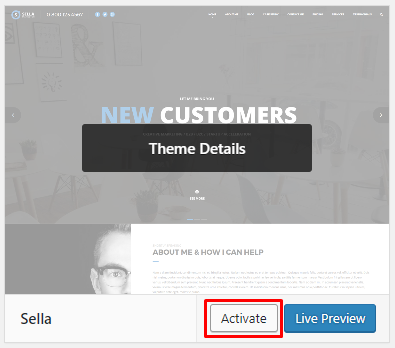
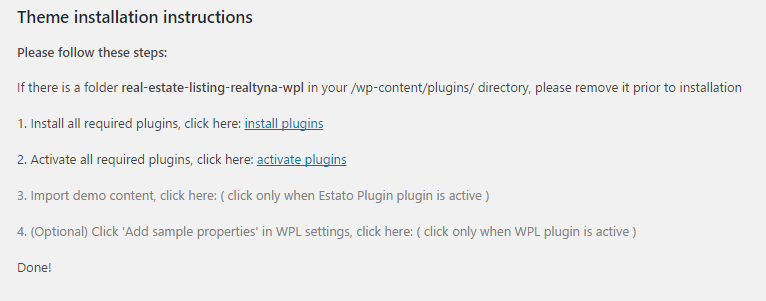
If Sella files are downloaded from your Themeforest account, you can start an installation using WordPress administration panel.
In Wordpress Older Version you can find instructions how to proceed with 4.7.0 and lower versions of WordPress.If you’re using newer version, follow steps below to install the theme:

|
|
|
|
|
Common Install Error: Are You Sure You Want To Do This?
If you get the following question message when installing Sellatheme.zip file via WordPress, it means that you have an upload file size limit. Install the theme via FTP or call your hosting company and ask them to increase the limit.
To install Kids WP via FTP, follow steps below:
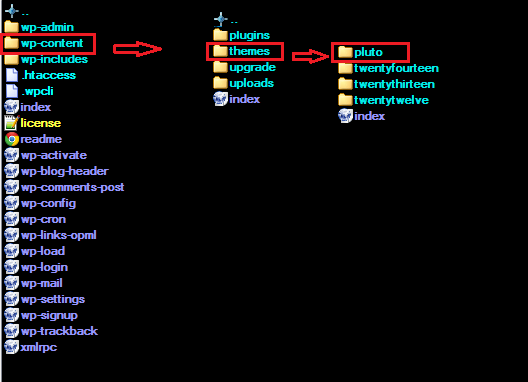
|
Learn more: